

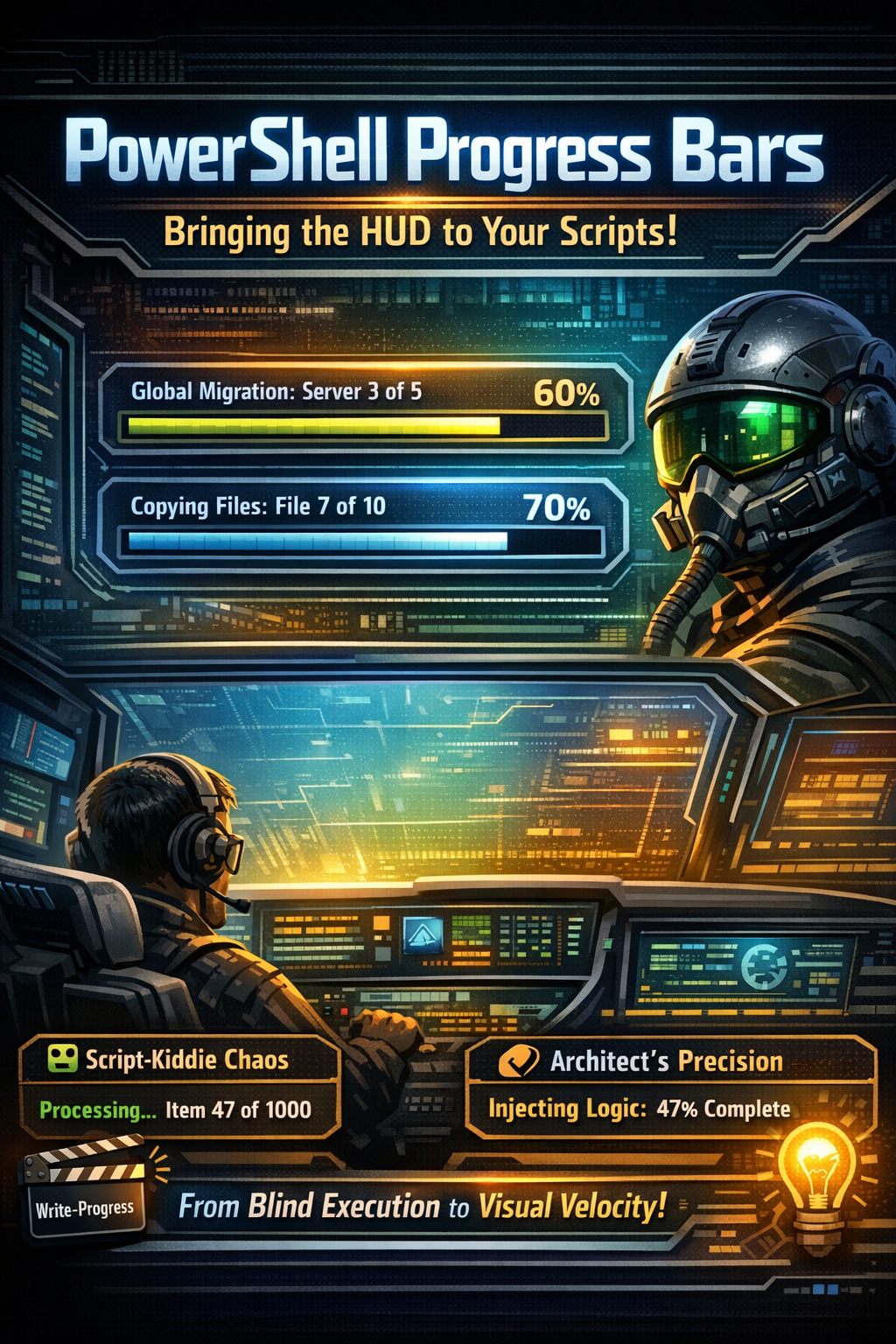
Last time, we tore down the “Nesting Doll Era” of curly braces, replacing clunky if-else towers with the surgical precision of Modern Operators. We made our logic lethal; now, we’re going to make it transparent.
I’ll be honest: there is nothing that kills an Architect’s soul faster than a script that looks like a “Black Hole.” You trigger a heavy automation task, the cursor blinks, and… nothing. Was the API slow? Did the loop crash? Or is it just chewing through 10,000 users?
When your scripts run in the dark, you’re not an Architect; you’re a gambler. Today, we move from silent execution to Visual Velocity. We are going to master Write-Progress and take it to the next level with modern Toast notifications.
Ready to give your users (and yourself) some peace of mind? Let’s go!
Throughout this post, look for the 🎬 icon for follow-along steps and 💡 notes for that deep-dive technical context.
The HUD: Write-Progress
Think of Write-Progress as the Heads-Up Display in a fighter jet. It sits above the noise, giving you the “Altitude” and “Airspeed” of your data processing. Without it, you’re just a passenger in a cockpit with no windows.
The “Script-Kiddie” Mistake:
Writing a loop that just spits out text like Processing item 1… Processing item 2…. It’s messy, it scrolls off the screen, and it’s the digital equivalent of leaving a trail of breadcrumbs in a hurricane.
The Architect’s Approach:
We calculate the Pulse Rate. We don’t just tell the user what we’re doing; we tell them how much is left of the journey.
🎬Run the script below:
$Targets = 1..100
foreach ($Target in $Targets) {
    # The Math of the Machine
    $Percent = ($Target / $Targets.Count) * 100

    Write-Progress -Activity "Injecting Logic into Targets" `
                   -Status "Target $Target of $($Targets.Count)" `
                   -PercentComplete $Percent `
                   -CurrentOperation "Bypassing Legacy Protocols..."

    Start-Sleep -Milliseconds 50 # Simulating the heavy lifting
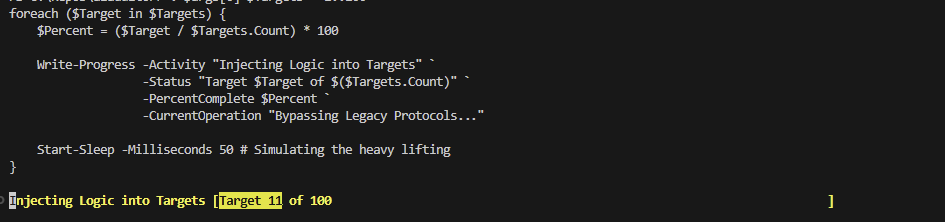
}You will see that the progress bar is shown and shows you the progress on the iteration:
💡 What Actually Happens?
PowerShell carves out a dedicated slice of the console’s memory to render this bar. It lives in the “Overlay Plane,” meaning it doesn’t pollute your Pipeline. Your data stays clean; your eyes stay informed.
Multi-Layered Intelligence
Sometimes, one bar isn’t enough. When you’re performing a complex migration, you might have a “Master Task” (e.g., Migrating 50 Servers) and a “Sub-Task” (e.g., Copying Files for Server 1).
By using the -Id parameter, you can stack your HUDs like floors in a skyscraper.
🎬 Run the script below:
for ($i = 1; $i -le 5; $i++) {
    Write-Progress -Id 1 -Activity "Global Migration" -Status "Server $i of 5" -PercentComplete ($i/5*100)
    for ($j = 1; $j -le 10; $j++) {
        Write-Progress -Id 2 -ParentId 1 -Activity "Copying Data" -Status "File $j of 10" -PercentComplete ($j/10*100)
        Start-Sleep -Milliseconds 200
    }
}You will see that there is now a multi layer progress bar:

Cool right?! You can now make your scrips super visible, and by stacking them PowerShell automatically puts the UI in the correct format 😉
The “Architect” Verdict
A script without a progress bar is a dead script walking. By giving your automation a heartbeat, you move from “Coding” to “Engineering.” You provide a sense of time, a sense of scale, and most importantly, a sense of Reliability.
Summary
This blog marks the end of the “Dark Ages.” You’ve moved from blind execution to high-fidelity, visual feedback, without needing a single external module. We’ve traded the blinking cursor for a professional dashboard.
Key Takeaways to Remember:
- The DNA of Feedback: Always map your progress to the actual count of the collection.
- The Performance Guard: Don’t choke the CPU with unnecessary UI updates.
- Native Power: Write-Progress is built-in, lightweight, and lethal when used correctly.
Remember my motto: ‘Don’t lift a finger, unless it’s to automate,’ and if you’re automating, make sure you can watch the machine work from the comfort of your cockpit.
Oh, and have fun doing so! 😉