

Welcome back!
Wow, last blog was really well read by the community and I received a lot of positive feedback! So time to do some more with PowerShell and security!
We recently pulled back the curtain on how PowerShell can be “hot-wired” to act as a stealthy keylogger by tapping directly into the Windows API. It was a wake-up call for many: if you can see the keystrokes, you can see the secrets. But today, we are going even deeper into the rabbit hole.
We aren’t just talking about what a script does anymore; we are talking about how it hides. We’re moving from “Invisible Auditing” to the world of Fileless Execution and Base64 Obfuscation.
In the world of modern cyber-attacks, the most dangerous weapon isn’t a file you can find and delete, it’s a ghost in the machine. We are going to explore how attackers use PowerShell to bypass traditional antivirus (AV) by never touching the hard drive, and how they use encoding to make their intentions look like gibberish to the untrained eye.
Please note: This is for learning purposes only. To defend a system, you must first understand the art of the attack.
Throughout this post, look for the 🎬 icon for follow-along steps and 💡 notes for that deep-dive technical context.
Ready to turn code into a ghost? Let’s dive in!
The Ghost in the RAM: What is Fileless Malware?
Traditional security is like a bouncer at a club checking IDs (files) at the door. If he sees a known troublemaker (virus.exe), he stops them. But what if the troublemaker doesn’t bring a bag? What if he just walks in as a “trusted guest” (PowerShell) and then starts causing chaos using only what’s already inside?
That is Fileless Malware. By executing code directly in the Random Access Memory (RAM), an attacker leaves no footprint on the disk. When the computer restarts, the evidence vanishes. It’s elegant, it’s lethal, and it’s why PowerShell is the primary vehicle for modern ransomware.
The Smoke Screen: Base64 Obfuscation
If you are monitoring a network and you see a command like Invoke-Mimikatz, you’ll trip an alarm instantly. But what if the command looks like this? powershell.exe -EncodedCommand SUVudm9rZS1NaW1pa2F0eg==
This is Base64 encoding. It’s not encryption; it’s a way to represent binary data as text. For PowerShell, the -EncodedCommand (or -e) parameter is a built-in feature designed to help handle complex scripts with special characters. For an attacker, it’s a smoke screen that bypasses simple keyword filters.
🎬 The “Decoder Ring” Experiment To understand the defense, you must master the mechanics of the mask. Let’s look at how an attacker hides a malicious-looking string and, more importantly, how you, the Architect can rip that mask off.
- The Masking (Encoding): First, let’s see how easy it is to turn a “dangerous” command into a string of nonsense. Run the command below:
$Command = 'Write-Host "System Compromised!" -ForegroundColor Red'
$Bytes = [System.Text.Encoding]::Unicode.GetBytes($Command)
$Encoded = [Convert]::ToBase64String($Bytes)
Write-Output $EncodedAnd you will see the output below

- The Execution: An attacker would then run this via a shortcut, a macro, or a task scheduler: powershell.exe -WindowStyle Hidden -EncodedCommand <Paste_Your_Encoded_String_Here>
- If you run it like me here below;
pwsh -EncodedCommand VwByAGkAdABlAC0ASABvAHMAdAAgACIAUwB5AHMAdABlAG0AIABDAG8AbQBwAHIAbwBtAGkAcwBlAGQAIQAiACAALQBGAG8AcgBlAGcAcgBvAHUAbgBkAEMAbwBsAG8AcgAgAFIAZQBkAA==
You will see that PowerShell executes it just fine:

You see? Without even seeing the exact syntax PowerShell knows exactly how to run it. So PowerShell can read it and understands it, but you cant!
- The Unmasking (Decoding): If you find a suspicious encoded string in your logs, don’t guess, decode it. Run this to see the truth:
$Secret = “VwByAGkAdABlAC0ASABvAHMAdAAgACIAUwB5AHMAdABlAG0AIABDAG8AbQBwAHIAbwBtAGkAcwBlAGQAIQAiACAALQBGAG8AcgBlAGcAcgBvAHUAbgBkAEMAbwBsAG8AcgAgAFIAZQBkAA==”
$Decoded = [System.Text.Encoding]::Unicode.GetString([System.Convert]::FromBase64String($Secret))
Write-Output $Decoded

💡 Deep Dive: Why Unicode? You might wonder why we use [System.Text.Encoding]::Unicode instead of UTF8. PowerShell’s -EncodedCommand parameter specifically expects a UTF-16LE (Little Endian) encoded string. If you try to decode an obfuscated PowerShell command using standard UTF8, you’ll often get a bunch of null characters or Chinese symbols. Precision is everything when you’re reverse-engineering a threat.
The Architect’s Shield: AMSI and Script Block Logging
“If it never touches the disk, how do I stop it?” This is the golden question. Thankfully, Windows has evolved.
1. AMSI: The Spy in the Engine
The Antimalware Scan Interface (AMSI) is a feature that acts like a wiretap inside PowerShell. Even if the code is encoded, obfuscated, or layered in ten levels of Base64, it must be decoded into plain text right before PowerShell executes it. At that exact millisecond, AMSI grabs the plain text and hands it to your Antivirus (like Defender) to say: “Hey, is this actually okay?”
2. Script Block Logging (The Black Box)
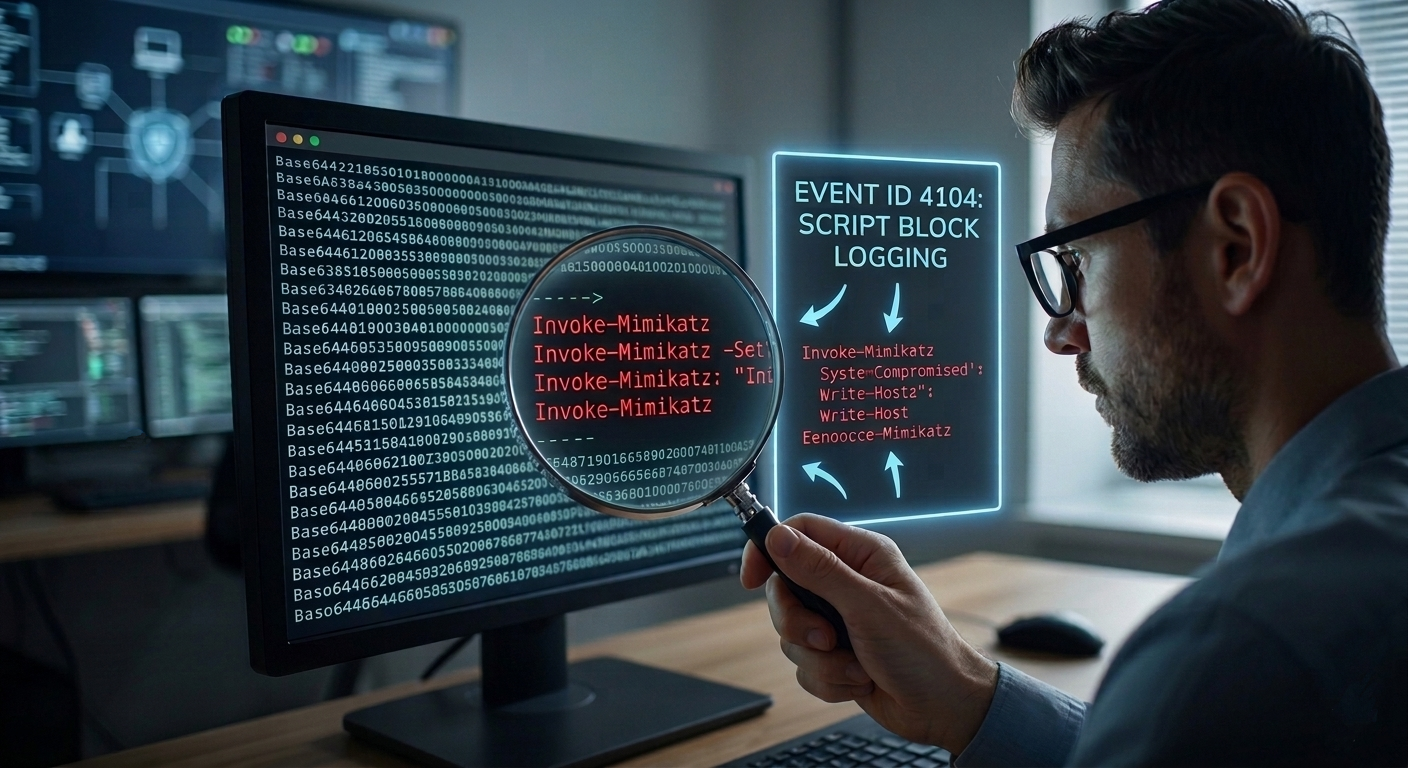
This is your most powerful defensive tool. By enabling PowerShell Script Block Logging (Event ID 4104) via Group Policy, Windows will record the entire de-obfuscated script in the Event Log.
🎬 Check your logs! Open Event Viewer -> Applications and Services Logs -> Microsoft -> Windows -> PowerShell/Operational. Look for Event ID 4104. Even if an attacker uses -EncodedCommand, you will see the actual code they ran right there in the logs. If you don’t see anything, your “Black Box” is turned off, go turn it on!
Summary: The Cat and Mouse Game
We’ve moved past the “Zero-UI Keylogger” and entered the realm of the invisible. By leveraging Fileless Execution and Base64 Obfuscation, we’ve seen how easy it is to bypass the “door-guards” of a file system.
But we’ve also learned that as an Architect, you have tools that the average user doesn’t. You now know that:
- Encoding is not Security: It’s just a veil that can be lifted with a few lines of .NET.
- RAM is the new Battlefield: Monitoring processes is just as important as scanning files.
- Logging is the ultimate Truth: A hacker can hide their script, but they can’t hide the execution from a properly configured Event Log.
This journey into the “RAM-only” world proves that the “Blue Console” is a double-edged sword. It can be a ghost that haunts your network, or it can be the very lens through which you catch the intruder.
Remember: A script that leaves no trace is only invisible to those who aren’t looking in the right place. Keep your logs sharp, your AMSI active, and your curiosity peaked.
Because at the end of the day, my motto still stands: ‘Don’t lift a finger, unless it’s to automate’, but make sure you’re the one who can see through the smoke and mirrors.
Stay sharp, stay secure, and I’ll see you in the next deep dive into the Windows heart!